
Web reading
Learn languages while reading websites
NoaLingua brings clickable translation, paragraph help and unknown-word highlighting to ordinary web pages when you ask for it.
No account. No analytics. The free plan lets you try every feature.
Quick answer
Learn languages while reading websites
The website workflow is deliberate. NoaLingua does not read every page in the background; it reacts to selection, Alt-click, context menu actions or a keyboard shortcut.
Setup
How to use it
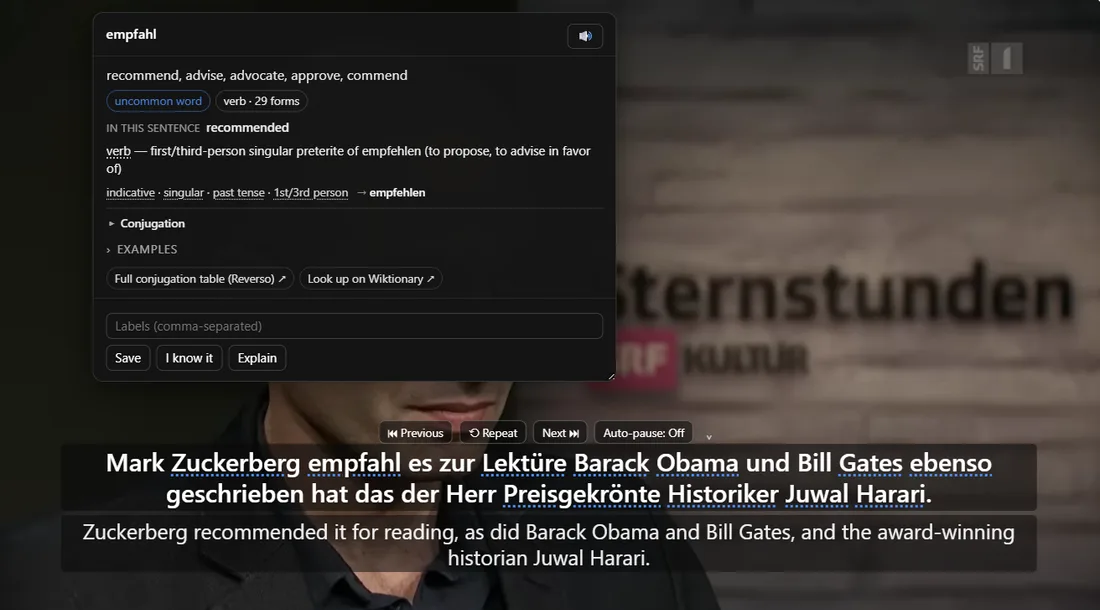
- Select text on a web page to open the NoaLingua translation box with clickable words.
- Alt-click a paragraph to add an inline translation under it without replacing the original.
- Press Alt+Shift+W to highlight words your current deck has not seen on that page.
Selection
Selected text opens the same learning box.
Selections between 2 and 600 characters can be translated and split into clickable words. NoaLingua deliberately ignores inputs, its own UI, video players and overly long selections to avoid acting like an intrusive page tool.
Paragraphs
Alt-click translates a paragraph in place.
The original remains where it was. The translation appears under the paragraph and can be removed with another Alt-click.
Unknown words
Mark what your deck has not seen.
Alt+Shift+W highlights unknown words up to the documented page limit. It avoids editable areas, code, SVG, canvas, iframes and NoaLingua own UI so pages stay usable.
FAQ
Common questions
Does NoaLingua read every website I visit?
No. The manual describes user-triggered actions: selection, Alt-click, keyboard shortcut or context menu.
Can I use it where content scripts cannot run?
The context menu can receive selected text from places like Chrome PDF viewer and open a small NoaLingua window or a bilingual book.