
Vocabulary and SRS
Save vocabulary from YouTube and review it with SRS
A saved word keeps the sentence where you found it, then returns through review games, manual SRS and Anki-compatible export.
No account. No analytics. The free plan lets you try every feature.
Quick answer
Save vocabulary from YouTube and review it with SRS
NoaLingua is not just a translator overlay. The product loop ends in review: click or save something while watching or reading, then practise it before it fades.
Setup
How to use it
- Click a word in a subtitle, PDF or web selection.
- Press Save. NoaLingua keeps the word, sentence, translation and source context immediately.
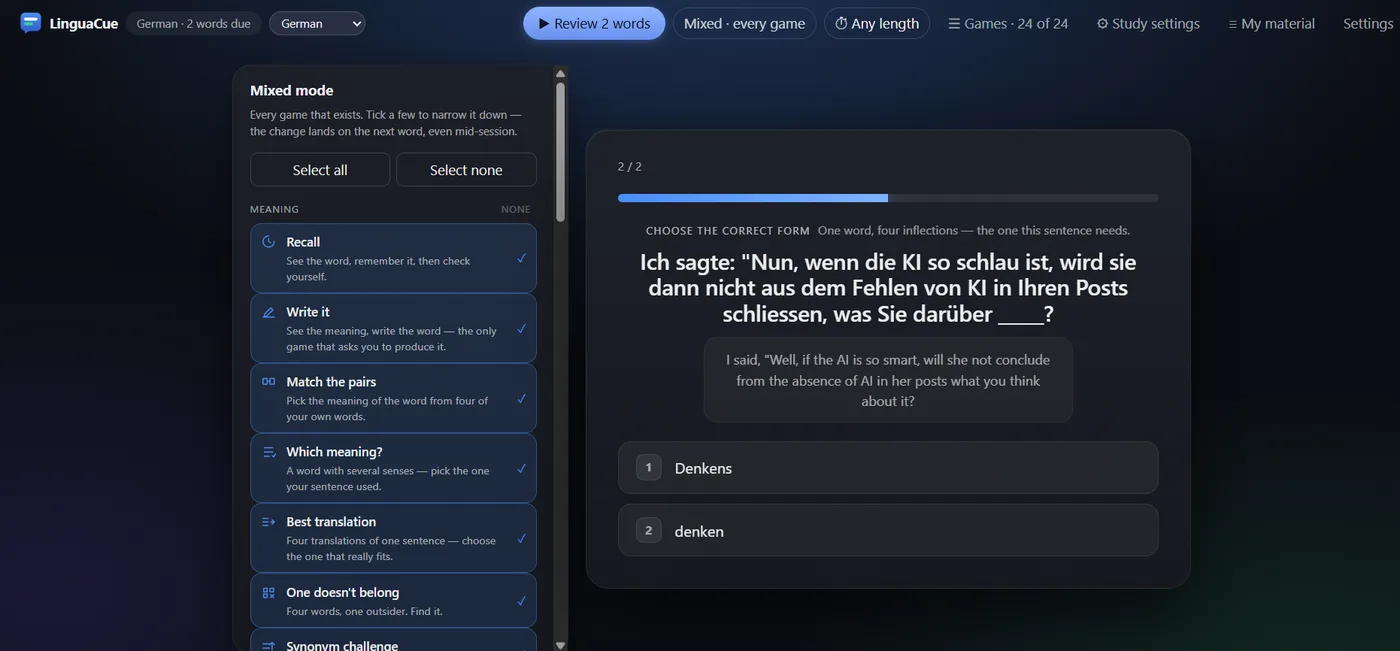
- Open Learn or wait until words are due. Review with games, manual ratings, quick review or export to Anki/CSV.
Context
The card remembers where the word came from.
From video, a card can keep the source title, URL, exact time, sentence and translation. From documents, it keeps the document context instead of pretending it came from a video.
Scheduling
Review can be manual or automatic.
Manual review uses Again, Hard, Good and Easy ratings. Games use a fixed ladder from 1 to 180 days and move missed words back without throwing away months of progress after one mistake.
Export
Your deck can leave NoaLingua.
The manual verifies CSV for Anki, full JSON, spreadsheet CSV and an Anki package with pictures and real sentence audio where available. Export is available even on the free plan.
FAQ
Common questions
Does the free plan lock export?
No. The manual states export is always available, including on the free plan and at the saved-word limit.
Does NoaLingua save every word I see?
No. Encounter counters are raised only for words already in your deck. Other subtitle words are compared and discarded.