
Shadowing
Practice language shadowing with real video
NoaLingua turns a subtitle line into a listen, repeat and retry loop so shadowing stops being a manual pause-button exercise.
No account. No analytics. The free plan lets you try every feature.
Quick answer
Practice language shadowing with real video
Shadowing means listening to a real sentence and repeating it out loud. NoaLingua helps by keeping the line on screen, pausing at the right moment and moving on only when the practice step is done.
Setup
How to use it
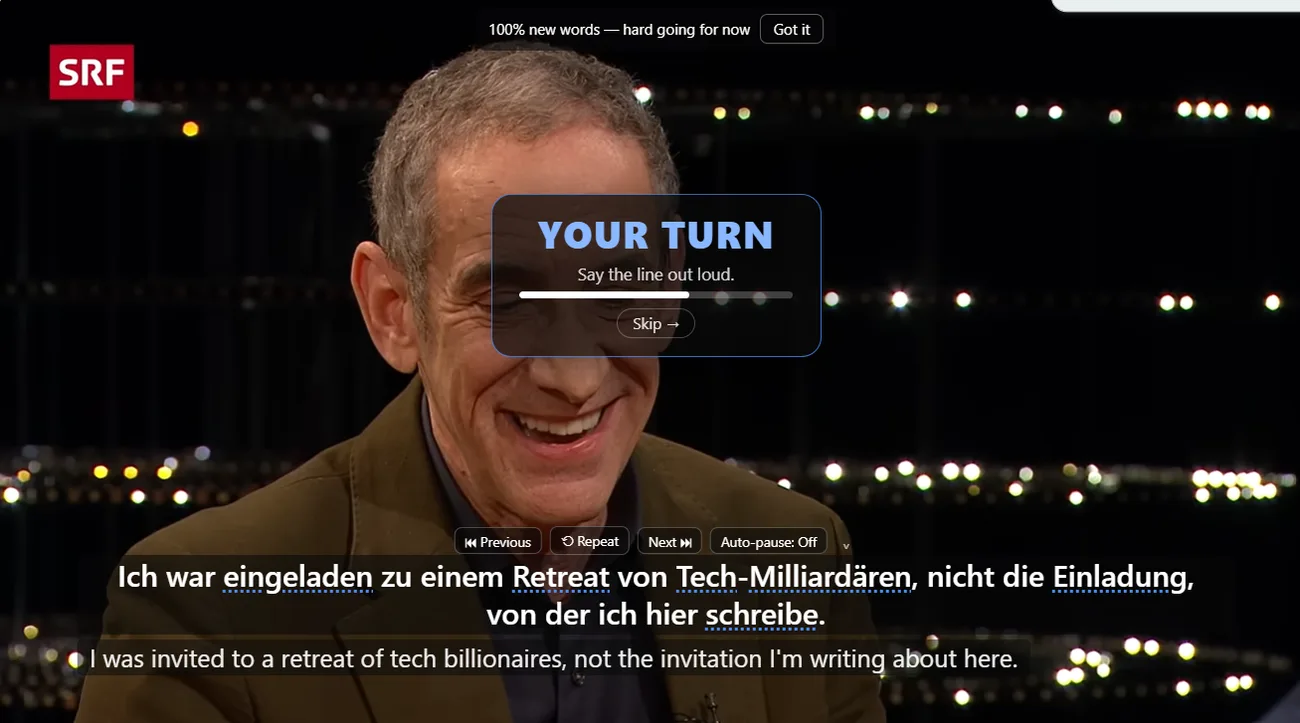
- Open a captioned video and turn on NoaLingua subtitles.
- Press Ctrl+H for whole-video shadowing, or H to practise the current sentence only.
- Listen to the line, repeat it in the pause, skip when needed, and continue through the video.
Pronunciation
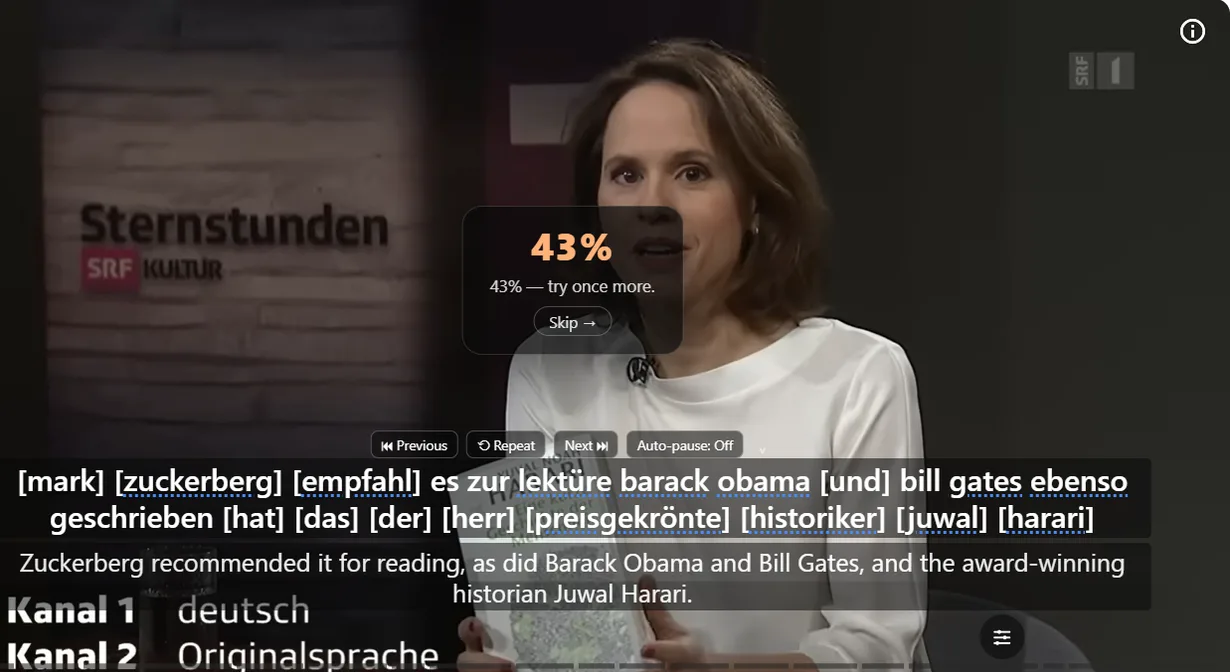
Say It Back can compare what Chrome hears, with clear limits.
When Chrome speech recognition is available for the language, Say It Back listens to your voice and shows recognized words, a percentage score and missed words. NoaLingua stores scores and missed words for learning patterns, not audio recordings.
If the local speech pack is unavailable, the app can offer online speech recognition only after you enable it.
Why video helps
The line comes from material you chose.
You repeat voices, pacing and vocabulary from the video you were already watching. This keeps shadowing connected to comprehension instead of becoming detached pronunciation drilling.
FAQ
Common questions
Does shadowing require speech recognition?
No. Whole-video and one-sentence shadowing can run as listen-repeat practice. Say It Back feedback depends on Chrome speech recognition.
Does NoaLingua record my voice?
The manual says pronunciation attempts store scores and missed words, never audio.