
Features hub
Everything NoaLingua does, organized by workflow.
Watch videos, read websites and PDFs, practise speaking, and review vocabulary from the same local deck.
No account. No analytics. The free plan lets you try every feature.
Watch
Video becomes structured language practice.
YouTube dual subtitles
Original and translated subtitles, transcript fetch, sentence replay, auto-pause, transcript search and bilingual PDF export.
Open pageNetflix dual subtitles
Netflix subtitles are read as they appear. Word click, saving, replay, auto-pause and shadowing still work, but full-film transcript export is not claimed.
Open pageGeneric video captions
On supported HTML5 players with readable text tracks, NoaLingua can show the same subtitle box and word popup.
Read
Bring the same word tools to text.
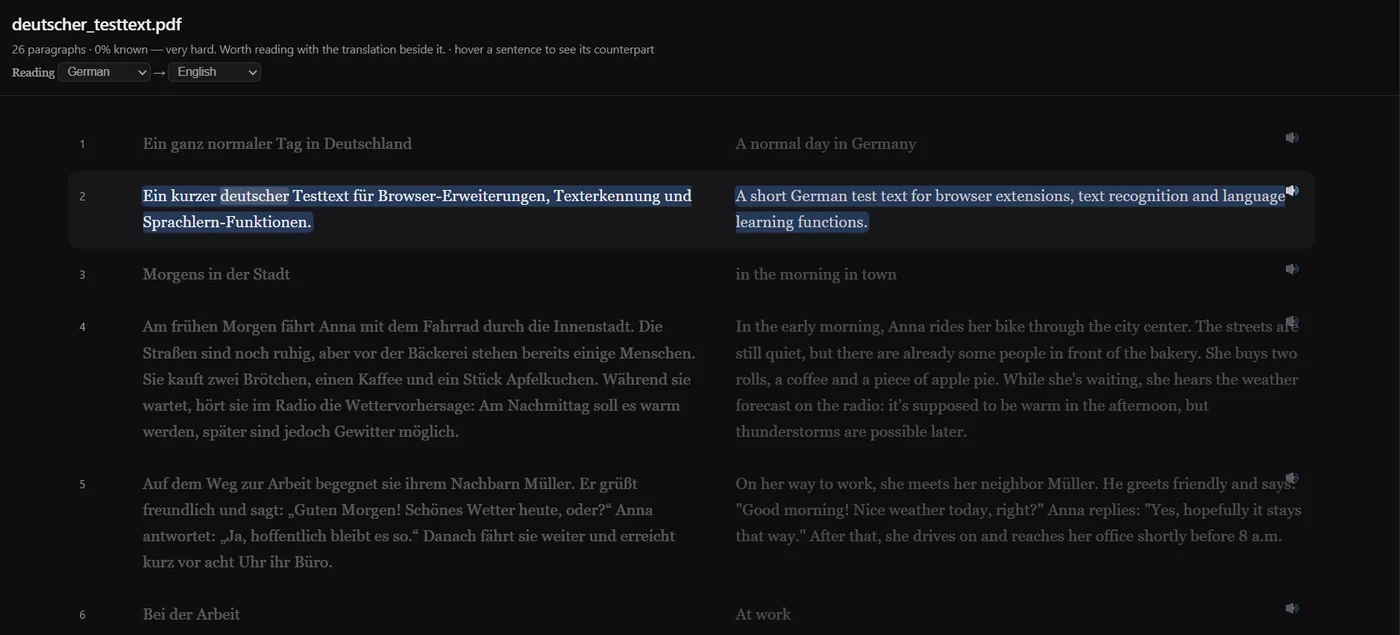
Bilingual PDFs
Open a PDF as aligned original and translation columns, or keep the original page layout and add a clickable text layer.
Open pageWebsites
Select text, Alt-click a paragraph for inline translation, or mark unknown words on a page.
Open pageOwn text
Reader import accepts pasted text and .txt, .srt, .vtt and .md files, up to the documented limits.
Speak
Shadow real lines instead of invented drills.
Whole-video shadowing
Ctrl+H plays a line, pauses, gives you time to repeat it, then continues to the next line.
Open pageOne-sentence shadowing
Press H to focus on one line: hear it, repeat in the pause, hear it again.
Open pageSay It Back
When Chrome speech recognition is available, NoaLingua can show which words came through. It stores scores and missed words, never your voice recording.
Open page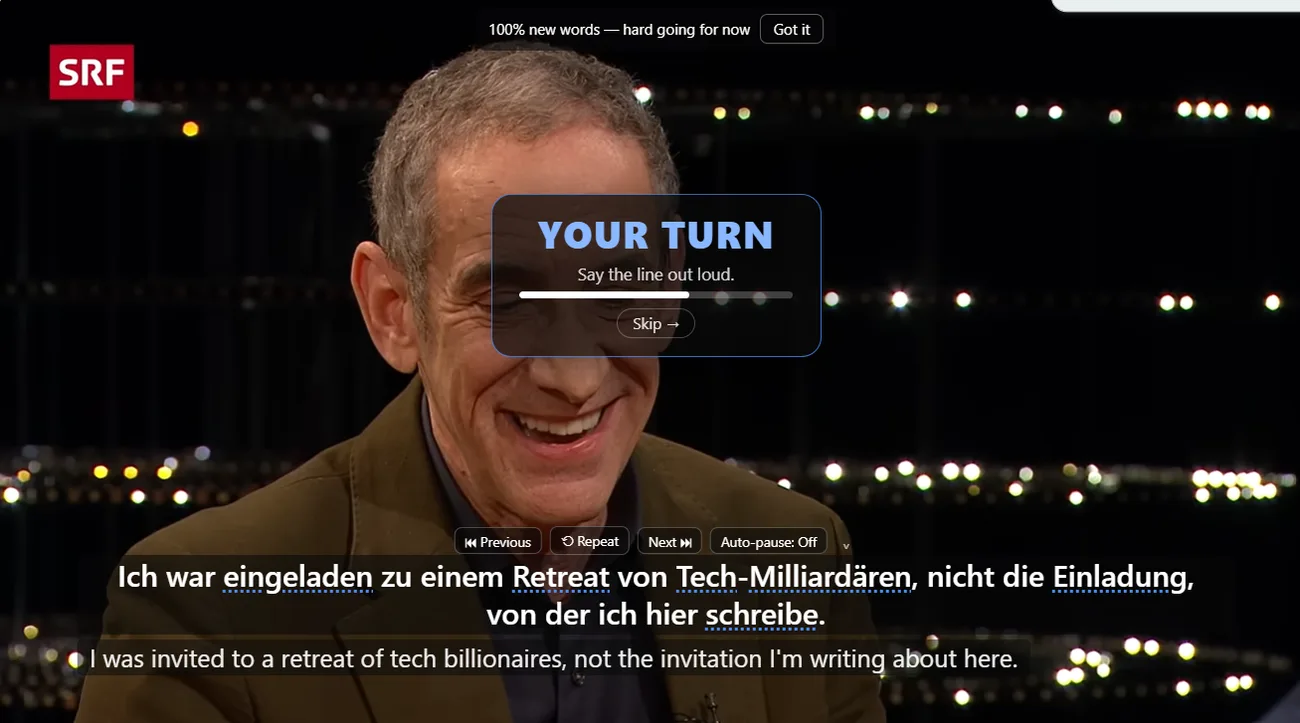
Remember
The words you choose become your review material.
Context saved with the word
A saved word keeps the sentence, translation, source title, URL and time when available.
Open pageSRS without setup
Manual review uses SM-2 style ratings; games use a fixed ladder that moves words forward or back.
Open pageExport anytime
Export CSV for Anki, full JSON, spreadsheet CSV and an Anki package with images and audio where available.
Open pageStart with one surface
Most people start with a YouTube video, but the same deck follows you into PDFs, websites and review.